.svg)

.svg)


.webp)

- Ignition Benefits is best for founders who want the plan itself priced right before anyone enrolls in anything.
- ALEX (Jellyvision) and Nayya are best for companies whose plans are already competitive and who need an engine to match each employee to the right one.
- HealthJoy and Healthee are best for employers who want employees supported all year, not just in November.
- Businessolver, SAVVI Financial, LearnLux, and bswift fit companies that already run a benefits administration platform or want financial wellness bundled with plan guidance.
Your renewal came in 17% higher, and nobody has explained why. Now you're being sold software to help employees pick between the plans that renewal covers.
Benefits decision support tools use AI, claims data, and guided comparison to match employees to the right plan. They work well. But they all assume the plans you're offering are the right plans to offer. If nobody has checked that, better enrollment software only helps your team choose faster between plans that cost more than they should.
Here's how 9 platforms compare on features, pricing, and fit, plus how to tell whether your problem is employee confusion or plan pricing.
Best Benefits Decision Support Tools in 2026: A Quick Overview
1. Ignition Benefits: Best for Getting the Plan Priced Right First
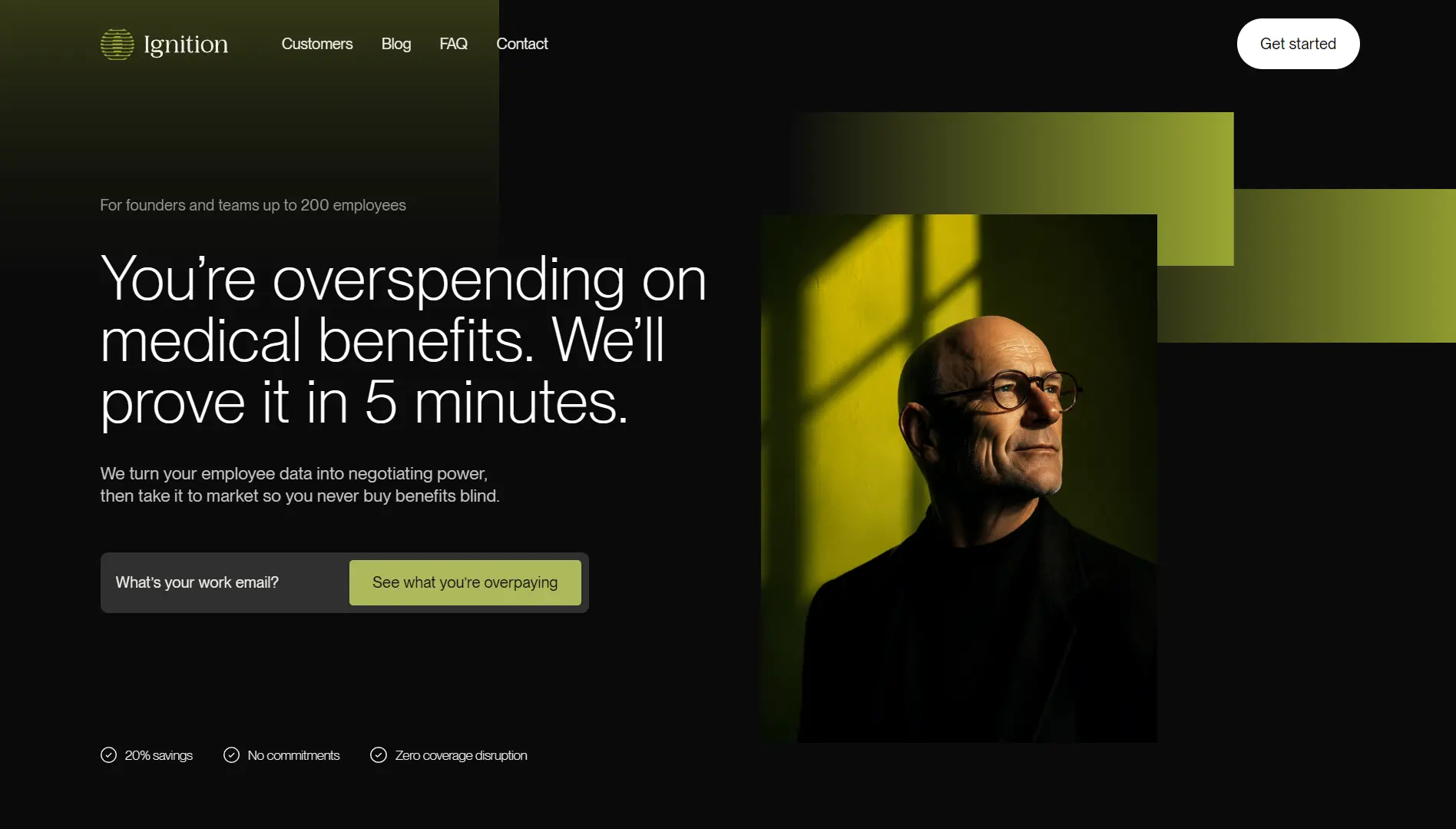
Ignition Benefits is a benefits brokerage built for founders who still own the benefits decision themselves. Most tools on this list help an employee choose between plans a benefits broker already selected. Ignition reviews the plans themselves and tests whether they should have been offered at all.
Ignition Benefits Key Features
- Benefits Risk Score: Every carrier scores your workforce on age, gender, and location before pricing your renewal. They have the number, but you don't. Ignition pulls that score and shows it to you before going to market. When the score is low and the premium is high, you're overpaying, and now you can prove it.
- Full market audit: Every available carrier, plan design, and funding structure gets tested against your actual workforce data, not two or three quotes from a preferred carrier. The audit includes a funding review: stay fully insured, move to level-funded, or look at self-insurance.
- Benefits Analysis Report: This is the deliverable. It shows how your plan compares to the market, what your workforce risk profile says, and one clear recommendation in plain language. A legacy broker takes 8 to 12 weeks to produce something comparable. Ignition delivers it in 14 to 21 days.
Did you know? Your carrier already ran this exact risk score on your team before quoting your last renewal and never showed it to you. Get your free benefits analysis and see the number.
Ignition Benefits Pricing
Where Ignition Benefits Shines
- You get the carrier's own number: Employers see the same workforce risk data insurers use to set the renewal. That turns a premium conversation into a negotiation instead of an acceptance.
- No preferred carriers: The audit runs across the market, so the recommendation follows your workforce data rather than a broker's carrier relationship.
- Two weeks, not three months: A full market assessment lands in 14 to 21 days. The average Ignition client pays 20% less for benefits in the first year. Because the review takes weeks instead of months, you get that number while there's still time to change carriers before your renewal date, rather than after you've already signed.
Where Ignition Benefits Falls Short
- Not employee-facing software: If your plans are already priced right and the gap is enrollment experience, a tool built for that job serves you better.
- Best for lower-risk teams: Higher-risk groups see smaller savings, though the transparency and full-market view are still valuable.
Ignition Benefits Customer Reviews
“We were running benefits on one system and everything else on Gusto, constantly moving data between them. Ignition merged it all into one. I'm not re-entering payroll reports anymore." Simon Nielsen, CEO, Mango.
“We assumed Gusto was getting us a fair deal on benefits. Two short calls with Ignition saved us six figures and got us better coverage than we'd ever had.” Robert McConchie, CFO and Co-founder, AWM Capital
Who Ignition Benefits Is Best For
- Founders and CFOs at companies with up to 200 employees who own the benefits decision and want a data-backed answer on whether they're overpaying.
- First-time HR hires who inherited a plan nobody has audited and need a market review before the next renewal.
- Companies approaching 50 employees, where PEO pool pricing starts working against a healthy team.
2. ALEX (Jellyvision): Best for Conversational Enrollment Guidance
-%20Best%20for%20Conversational%20Enrollment%20Guidance.webp)
Most decision support tools start with a static form. ALEX asks similar questions as a conversation instead, adjusting based on your answers. Jellyvision describes it as decision support software that combines behavioral science, claims data, and empathy to deliver personalized guidance.
ALEX Key Features
- ALEX Benefits Counselor and ALEX Go: Employees pick an interactive counselor experience or ALEX Go, a faster, mobile-friendly version available in English or Spanish.
- Family plan comparison: Employees compare their options against a spouse's, partner's, or parent's plan, factoring in children and other dependents.
- HSA forecasting: Personalized out-of-pocket forecasting shows employees what contributing to an HSA is actually worth to them.
ALEX Pricing
Quote-based, tied to organization size and modules.
Where ALEX Shines
- Employees understand what they picked: The conversational format explains benefits rather than listing them, which is why plan fit improves instead of just enrollment speed.
- Fast to launch: Jellyvision says ALEX can be running in as few as 10 days, so it can land inside an open enrollment window you've already committed to.
Where ALEX Falls Short
- Built for scale you may not have: ALEX's published case studies center on large employers, including one covering 14,000 employees across 750 locations. A 40-person team should press hard on pricing and implementation fit.
- It explains your plans, but doesn't price them: ALEX makes your existing plans understandable. It doesn't tell you whether those plans were competitively priced to begin with.
ALEX Customer Reviews
“I like the interaction for the employee and how it helps guide them into making the best decision for themself. It's great for self-service.” Tiffany A., G2.
"Useful if fully implemented… It didn’t feel like I was seeing the entire picture." Verified G2 reviewer.
Who ALEX Is Best For
- Larger, distributed workforces that need self-service that’s good enough to eliminate the open enrollment question queue.
3. Nayya: Best for Agentic, Year-Round Guidance
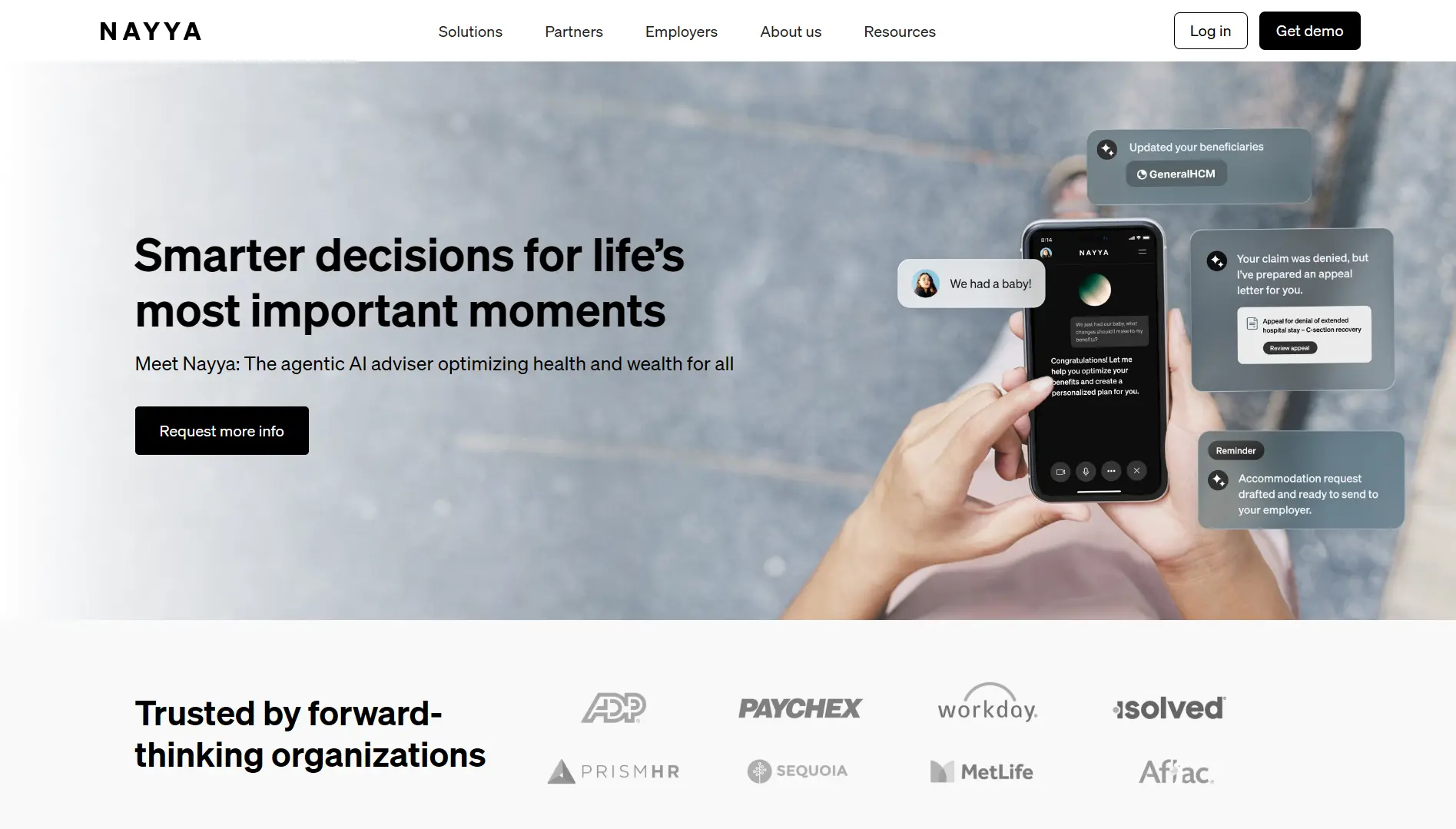
Nayya has moved past recommendation. The platform now acts on the employee's behalf, filing claims, enrolling in programs, and handling appeals. Nayya says this is built on five years of benefits AI and the largest benefits dataset in the category.
Nayya Key Features
- Proactive nudges: Guidance surfaces in the flow of work before an employee knows they need it, rather than waiting for a question.
- Action on the employee's behalf: Nayya files claims, enrolls employees in programs, and handles appeals directly.
- Utilization insight for HR: Employers see what employees ask about, where they stall, and which benefits go unused, which feeds renewal decisions.
Nayya Pricing
Quote-based. No public pricing information.
Where Nayya Shines
- It stays useful after enrollment closes: Claims filing, appeals, and reimbursement recovery give employees a reason to use the platform year-round.
- It plugs into what you run: Integrations cover HRIS platforms, benefits systems, Slack, and Teams, with SOC 2 + HITRUST and HIPAA compliance behind it.
Where Nayya Falls Short
- Priced for scale: Nayya focuses on large workforces and enterprise partners like ADP, Workday, and MetLife. A 30-person startup isn't the buyer this was designed around.
- It requires deep data access: The personalization runs on carrier and claims connections, so expect a longer security and privacy review than a lighter tool needs.
Nayya Customer Reviews
“Nayya assist employees with their selections which creates better participation and appreciation for the benefit package.” Shawn F., G2
“There could be more educational pieces in the experience as the user moves through the decision support experience. (IE: Why they should consider certain plans or options.)” Geof M., G2.
Who Nayya Is Best For
- Mid-size to large employers willing to work through a data integration in exchange for guidance that runs all year.
4. HealthJoy: Best for Year-Round Healthcare Navigation
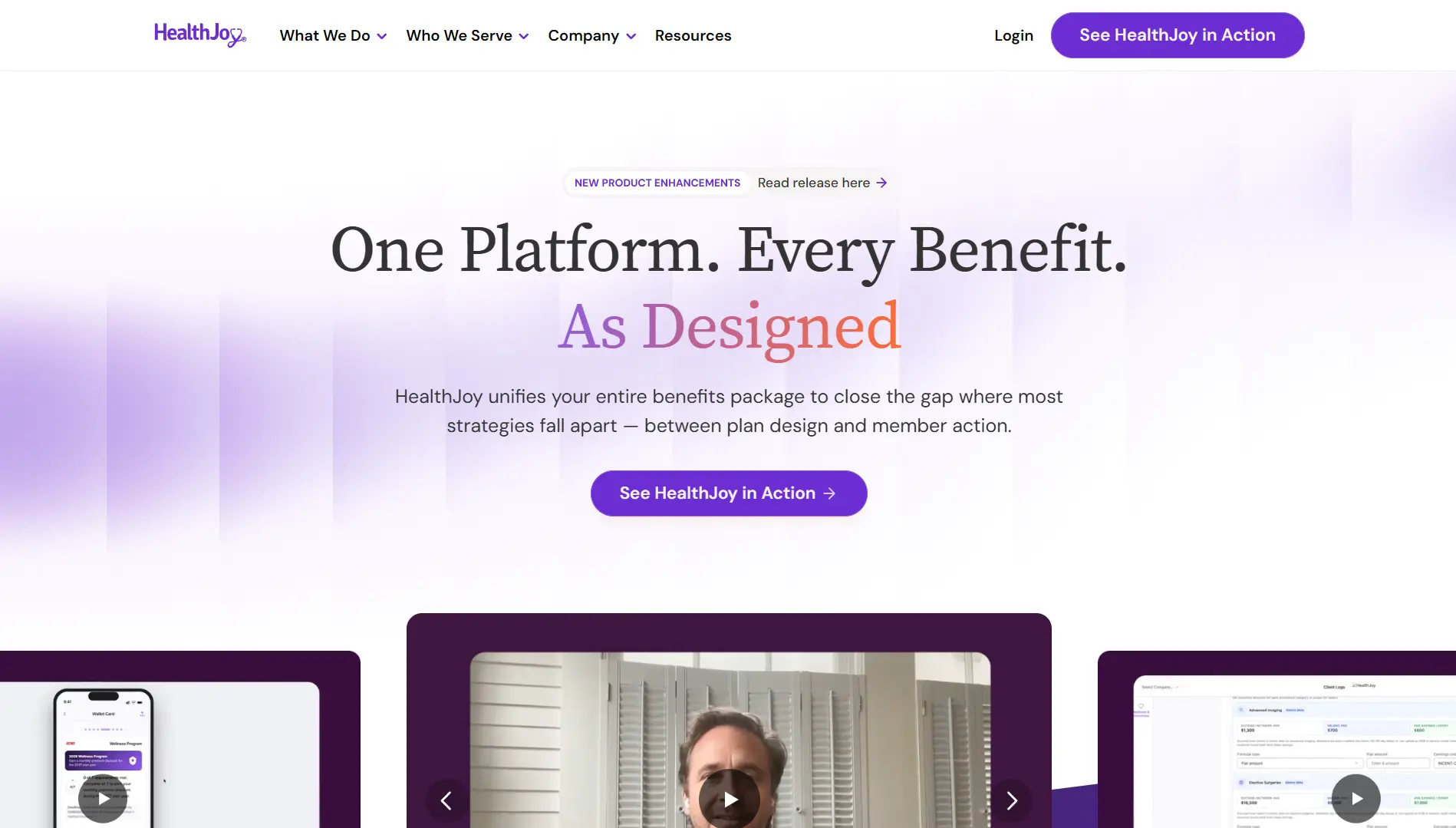
HealthJoy calls itself a Benefits Operating System, and as of 2026, it serves more than 1,800 employers and over a million members. It closes the gap between the benefits strategy an employer buys and the care employees actually use.
HealthJoy Key Features
- JoyAI: A 24/7 assistant trained on your specific plan. It answers coverage questions, compares plans, looks up providers, and estimates costs. A human concierge team handles claims disputes and scheduling.
- Enrollment Decision Support: Announced in May 2026, this pulls member information to personalize plan recommendations, including comparison against a spouse's benefits guide. Employers upload benefits guides and eligibility files and configure strategy levers.
- Cost steerage: The platform routes employees toward lower-cost care and includes a tool that finds the lowest medication prices, including for GLP-1s.
HealthJoy Pricing
Quote-based. HealthJoy doesn't publish rates.
Where HealthJoy Shines
- It steers care, not just choices: Guiding employees to lower-cost providers and catching billing errors affects claims, and claims are what price your next renewal.
- HR stops being the help desk: JoyAI and the concierge team absorb the routine benefits questions that otherwise land in one inbox.
Where HealthJoy Falls Short
- Everything depends on employee adoption: The platform only delivers value if employees open the app. If they don't, you're paying for software nobody uses.
- Its newest capability is still rolling out: Enrollment Decision Support began rolling out in June 2026 with general availability in fall 2026. Confirm what's live before you build an enrollment plan around it.
HealthJoy Customer Reviews
“Honestly that it actually works. Most of the benefits apps I've used are glitchy and are more frustrating than helpful.” Kaitlin H., G2
“Because a lot of the recommendations from HealthJoy are data-driven, there is the potential to lose the human aspect and some nuances.” Verified G2 reviewer.
Who HealthJoy Is Best For
- Employers juggling several point solutions who want one navigation layer over the top of them.
5. Healthee: Best for AI-Guided Plan Comparison
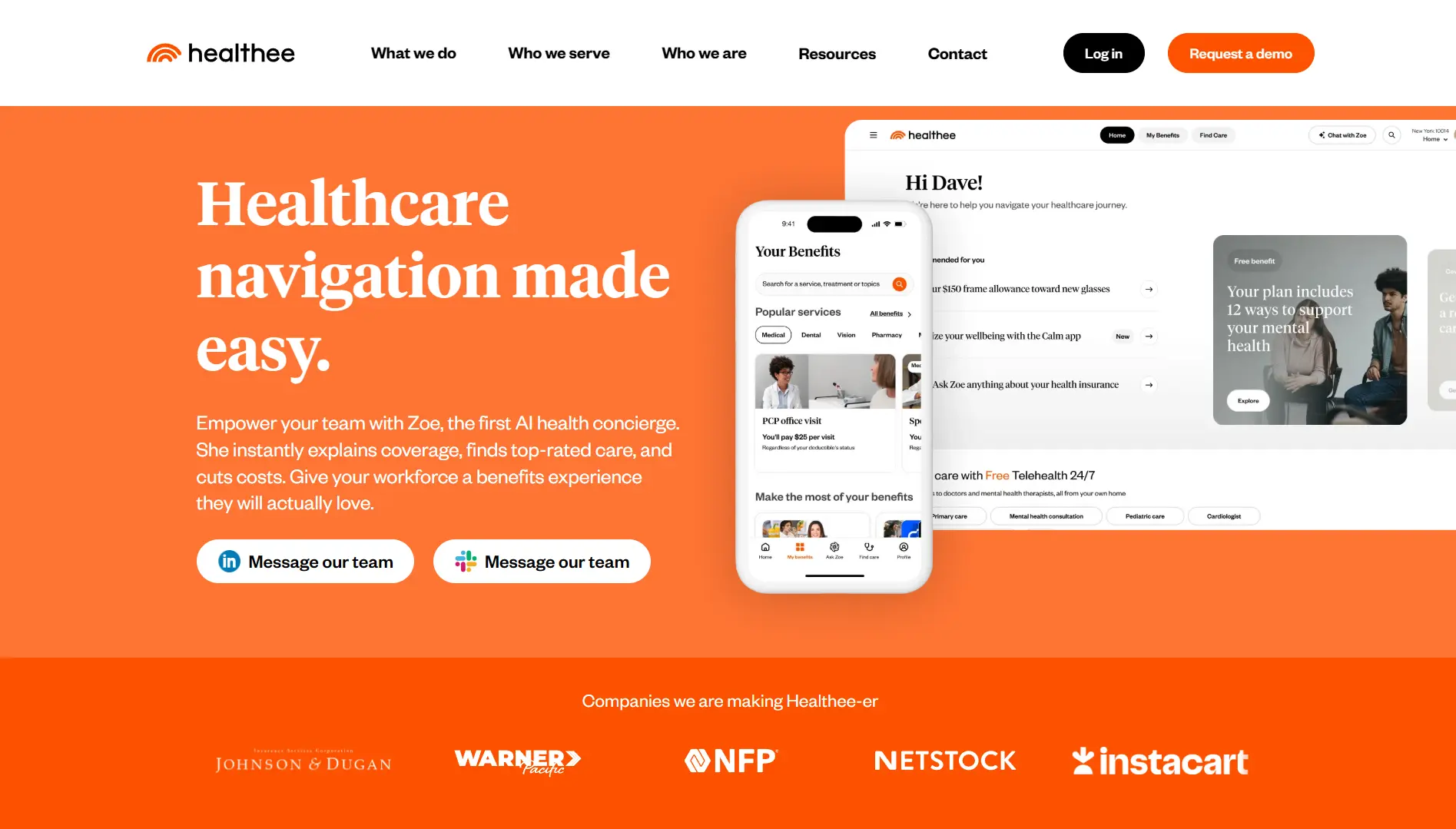
Healthee runs on Zoe, an AI assistant that answers coverage and cost questions in plain language instead of pointing employees at a PDF.
Healthee Key Features
- Zoe AI assistant: Personalized answers to cost, coverage, and care questions, around the clock.
- Plan Comparison Tool: Healthee's named decision support engine. It models costs, compares coverage, and surfaces personalized recommendations at enrollment, then hands off to year-round navigation.
- Zoe for HR: Launched June 2026. HR asks about engagement, utilization, and spending in plain language and gets answers back. For employers with claims data, Zoe analyzes utilization and cost drivers directly.
Healthee Pricing
Per-employee-per-month. Core features come bundled at a single rate, with add-ons like telehealth priced separately. Exact rates aren't published.
Where Healthee Shines
- Enrollment and the rest of the year are one system: The Plan Comparison Tool handles the decision, and the navigation platform handles what happens after, without a second vendor.
- HR gets answers, not exports: Zoe for HR turns plain-language questions into utilization and spend insight, which is the data you need walking into a renewal.
Where Healthee Falls Short
- Getting employees registered takes work: Reviewers report real effort signing employees up, and an unregistered employee gets nothing from Zoe.
- You still have to ask for the price: PEPM is published as a model, but the actual number requires a quote, especially with add-ons.
Healthee Customer Reviews
"Good product if employees will actually register and use it." Marria P., G2.
Who Healthee Is Best For
- Employers wanting a conversational, mobile-first experience without replacing their benefits administration stack.
6. Businessolver: Enterprise Benefits Administration with Built-in Guidance
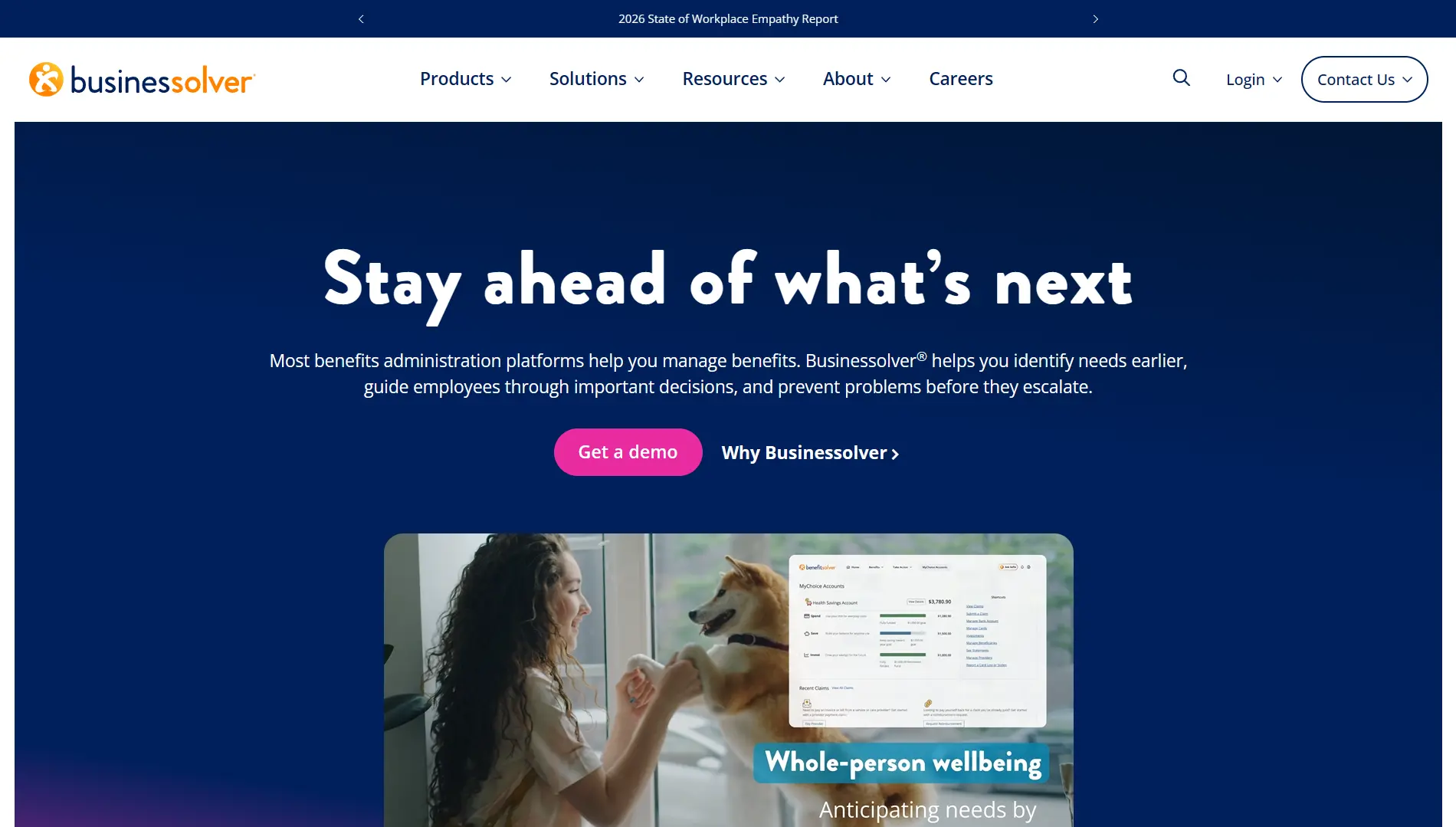
Businessolver's MyChoice Recommendation Engine is a core part of its Benefitsolver platform. It asks a series of purpose-built questions covering an employee's physical, emotional, and financial health, then recommends a plan across the employer's full suite of offerings. Sofia, its AI benefits assistant, handles questions year-round.
This is a module in a benefits administration suite, not a standalone tool. That makes it a good fit if you already run benefits through Businessolver and a poor one if you're layering guidance onto someone else's platform. Pricing is enterprise and quote-based.
7. SAVVI Financial: Best for Financial-Wellness-Led Guidance
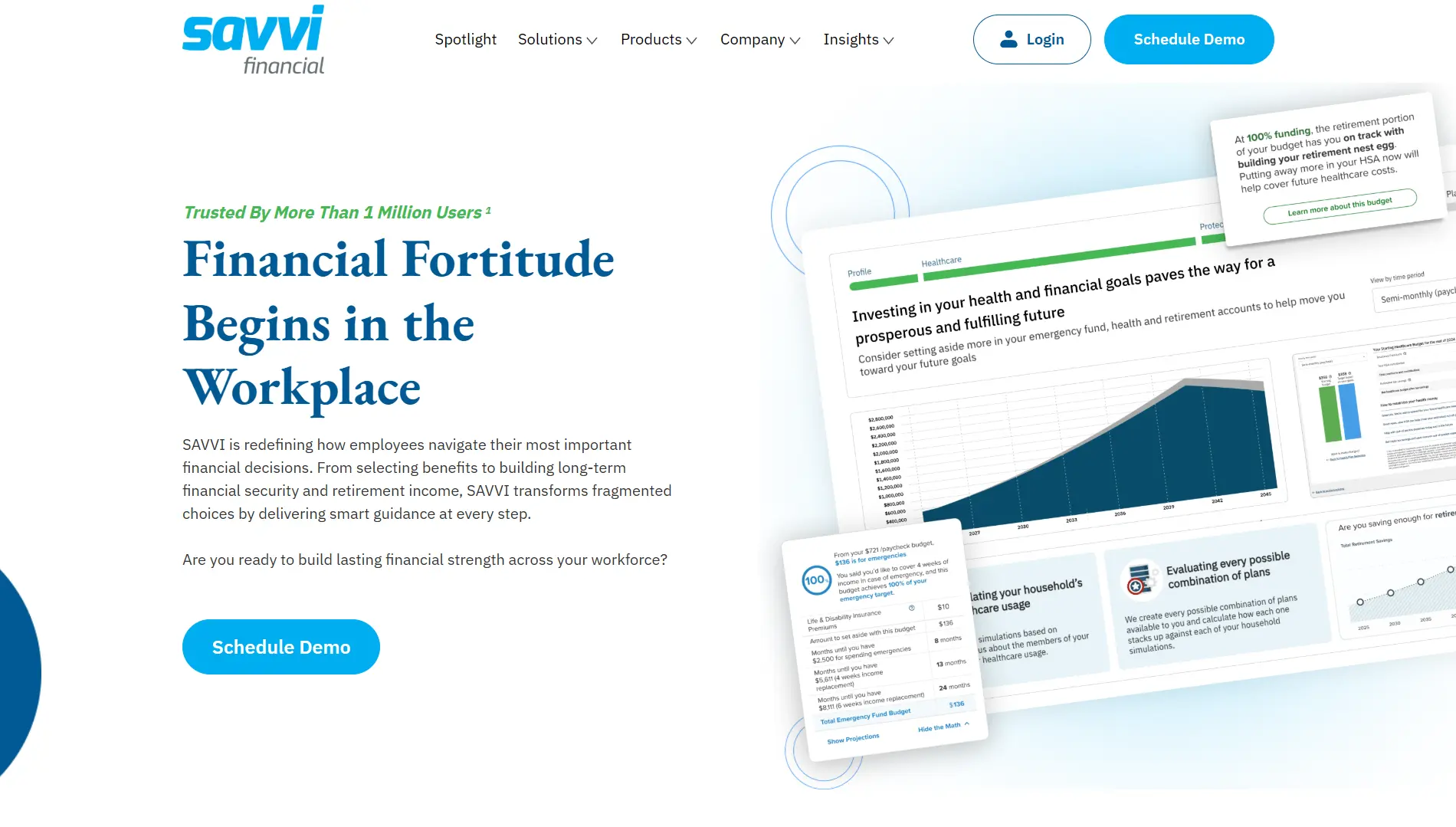
SAVVI pushes decision support further into personal finance than the other platforms here. Its differentiator is a survey-less guidance experience. SelectSmart uses existing data to deliver instant personalized recommendations with no questionnaire, and employees adjust from there.
SelectSmart is delivered largely through partner platforms, including Benefitfocus and Voya, rather than sold directly, so availability depends on what you already run. Pricing is quote-based.
8. LearnLux: Best for Independent Financial Guidance
LearnLux blends digital financial planning with one-on-one access to Certified Financial Planner professionals, covering budgeting, debt, equity compensation, and benefits elections. Its planners support employees across 100+ countries and 35+ languages.
The platform’s planners are never commission-based and never sell products or data. The firm follows fiduciary standards, which removes the conflict of interest sitting inside tools whose recommendations tie back to a financial institution. Pricing is per-employee-per-month.
9. bswift: Benefits Admin with AI Decision Support
bswift pairs benefits administration with Emma Intelligence, its native AI layer. Emma EnrollPro delivers personalized enrollment guidance, Emma Chat answers plan-specific questions, and Emma AdminPro turns plain-language admin questions into charts and summaries.
It offers 550+ pre-built connections, including Workday, ADP, and UKG, and serves 300+ enterprise clients across 16 million individuals as mentioned on its website. The platform is built for complexity across multi-location teams, unions, and variable workforces. However, bswift is enterprise infrastructure, sold through brokers and channel partners, and a 40-person startup is not the buyer.
How to Choose the Right Benefits Decision Support Tool
The question isn't which tool is best. It's whether your problem is employees struggling to choose or plans that cost too much.
1. Is the Tool Solving Your Actual Problem?
Most tools here help employees choose faster between plans someone already picked. That solves a real problem. It also tells you nothing about whether those plans were the right ones to offer.
If you've never compared your current plan against the full market, better enrollment software optimizes a decision that was already made for you. Start by asking what your workforce should cost, then buy the tool that helps employees navigate the answer. This approach keeps your employee benefits strategy focused on the underlying plan and workforce needs, rather than simply adding another benefits technology layer.
Not sure whether your plan is competitive or just familiar? Get your free benefits analysis before your next renewal.
2. Does It Integrate with What You Already Run?
Several tools here are modules inside a platform. Businessolver's engine needs Benefitsolver, bswift's Emma relies on bswift, and Nayya wants deep carrier and HRIS access.
Confirm compatibility with your existing HRIS before you sign anything. Ignition avoids this question entirely. Switching takes one Broker of Record letter, and your plans and payroll platform stay exactly where they are.
3. Is the Recommendation Independent?
Some decision support tools are owned by, or built into, the same carriers and platforms whose plans they recommend. That's not automatically disqualifying, but it’s worth a closer look.
Ignition runs its full market audit with no preferred carriers and discloses every dollar of its own compensation right from the start. Under the Consolidated Appropriations Act (CAA) of 2021, brokers must disclose their direct and indirect compensation to employers before a plan is entered into, renewed, or extended. Most founders don’t know this.
Here’s a breakdown of how carriers avoid a competitive market audit and how one client turned a 19% increase into a 1.5% decrease:
4. Does It Help Once, or Every Year?
A recommendation engine helps at enrollment, then does nothing about pricing until the next one.
However, your workforce usually doesn’t remain static. When you cross 50 employees, PEO economics turn against you. If you hire 15 more people, your risk profile shifts. A full market audit at every renewal shows you when your premium no longer matches your workforce. A recommendation engine doesn't check that, because it isn't built to.
The Best Decision Support Tool Can't Fix the Wrong Plan
Every platform here solves a real problem employers face. ALEX and Nayya make complicated plans understandable. HealthJoy and Healthee keep employees supported after enrollment closes. LearnLux and SAVVI connect benefits to the rest of an employee's financial life. Businessolver and bswift run the benefits administration these tools sit on top of.
But none of them tells you whether you're overpaying.
If your employees are struggling to choose between good plans, buy the software. If nobody has checked whether your plans are good, start there instead. Get your free benefits analysis from Ignition and find out what your carrier already knows about your team.


.webp)
.jpg)
.webp)

.webp)


.webp)
.png)










_%20Which%20One%20Wins%20for%20Your%20Team_.webp)

![How to Reduce Small Business Health Insurance Costs [2026]](https://cdn.prod.website-files.com/69f22330e53a32bb7629af15/6aa04b2f5dbdf3dc6b28b351_How%20to%20Reduce%20Small%20Business%20Health%20Insurance%20Costs%20%5B2026%5D%20(1).webp)
.webp)




.webp)


.webp)

.webp)









.webp)





.webp)








.webp)




.png)

