.svg)

.svg)


.webp)

- Rippling’s pricing is not publicly available. Every quote is custom, based on your employee count, the required core platform, and whichever modules you add.
- The quoted price isn't the full cost. Some users continued paying for employees who were no longer on the payroll, while setup fees and add-on modules pushed costs even higher.
- Rippling earns a 4.8-star G2 rating for its broad module coverage, strong payroll engine, and deep integrations, but prospects flag opaque pricing, contract lock-in, and an overwhelming interface.
- For health benefits, Rippling has limits. It gives access to large-group health plans through its carrier relationships, but it doesn't review every carrier at renewal. Ignition Benefits audits the broader market using your workforce data and identifies plans that lower costs without reducing coverage quality.
Rippling offers one of the broadest workforce management platforms on the market, but figuring out what it costs isn't as straightforward. Pricing isn't published online, and every customer receives a custom quote based on employee count, the core platform, and any additional modules chosen.
This article breaks down how Rippling's pricing works in 2026, the factors that influence your final cost, and whether the platform delivers enough value to justify the investment.
How Much Does Rippling Cost?
Rippling does not disclose its pricing publicly. You’d need to contact their sales team to get a custom quote.
Its pricing follows a modular model, where the final cost depends on the combination of products a company selects along with other factors. This means two companies in the same industry or with similar headcount can still end up paying different amounts based on the modules they use.
Ignition Benefits: An Alternative to Rippling

If what's driving you to a Rippling quote is the benefits line itself, rising premiums, and renewals you can't explain, there's a different model worth knowing about.
Ignition Benefits is an independent benefits brokerage built for founders and teams of up to 200 employees. Rippling shows you a handful of benefits plan options inside its platform. Ignition shows you the whole market, and what your benefits should truly cost.
Here’s what Ignition offers that PEOs like Rippling don’t:
- Access to Benefits Risk Score: Ignition starts with sharing the data driving your renewal. That includes the Benefits Risk Score carriers use to assess and price your workforce.
- Full-market audit: At every renewal, Ignition shops the market to see which carriers, plans, and funding options offer the best value.
- No employer fee: You don't pay Ignition directly. Ignition’s compensation comes from carrier commissions, which are disclosed from the start.
- Quicker renewal analysis: Ignition delivers a benefits analysis report in 14-21 days, compared to the 8-12 weeks typical with traditional brokers.
Rippling Pricing Plans: A Breakdown
Rippling isn't one product. It's a core platform with separate modules stacked on top, and every one of them is custom-quoted. There are no set prices for PEO, benefits administration, payroll, EOR, or HR services. What you pay depends on which modules you choose, your headcount, and the core Rippling platform.
Below is a breakdown of the five modules most relevant for growing companies.
Rippling PEO
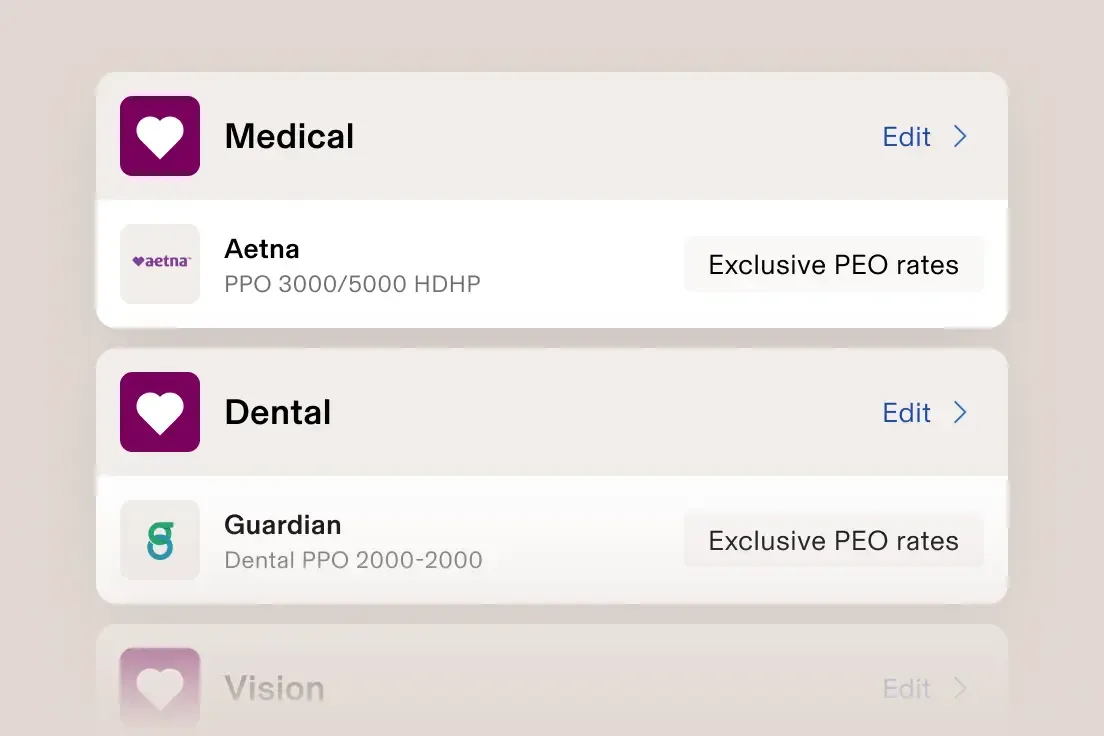
Rippling’s PEO operates on a co-employment model, where Rippling acts as the employer of record for tax and compliance, while you continue to manage your team day to day.
In practice, this means Rippling handles payroll tax filing, workers' compensation, compliance support, and access to large-group benefits plans through its pooled buying power.
One advantage of the model is flexibility. Rippling's PEO is opt-in. If you outgrow it, you can move to your own setup while keeping your payroll, benefits, and HR data in the same system, a step-by-step transition plan keeps benefits, payroll, and compliance from slipping during the switch.
That said, the benefits structure is worth understanding before you sign. Health insurance rates are based on a shared risk pool across all Rippling PEO clients, not just your employees. As a result, healthy startups can end up paying more than their own risk profile would suggest.
That’s worth considering when weighing TriNet vs Rippling, particularly if benefits pricing and renewal transparency are major concerns.
Rippling Benefits Administration
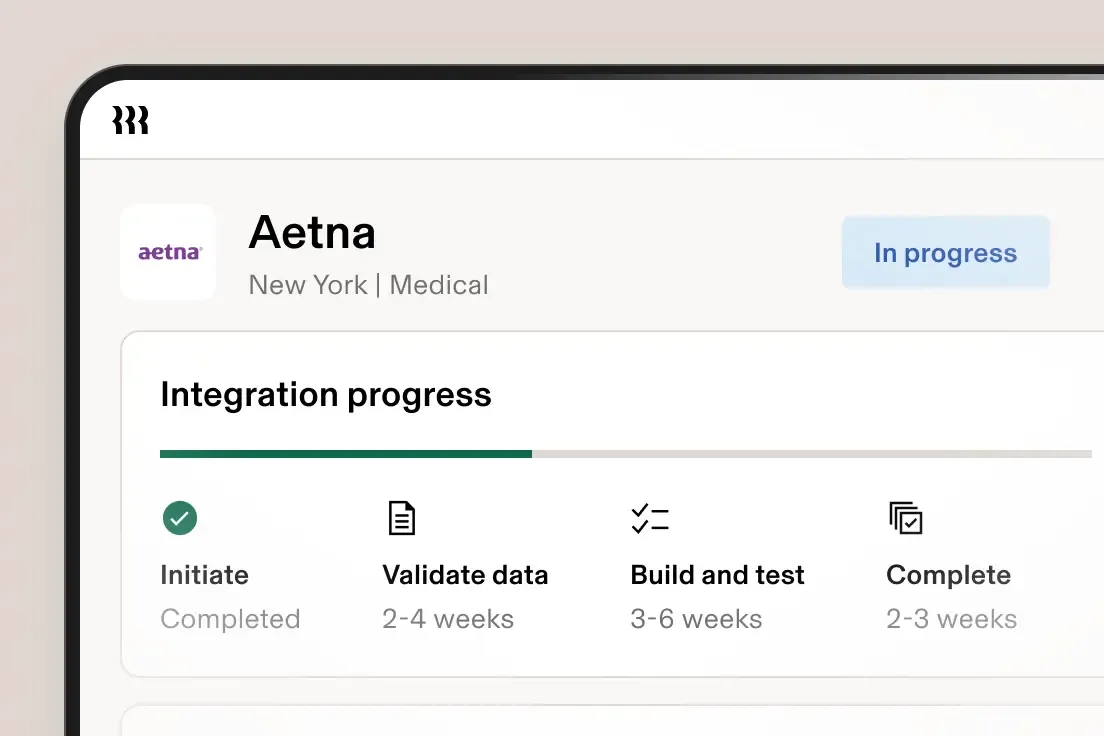
Benefits administration is the module that connects your health plans to the rest of your HR stack.
It handles new-hire and open enrollment online, syncs deductions straight to payroll, supports your existing broker, and gives employees self-service access to their plans. If you already have coverage in place, this is the layer that keeps the paperwork moving without manual data entry.
Rippling US and Global Payroll Pricing
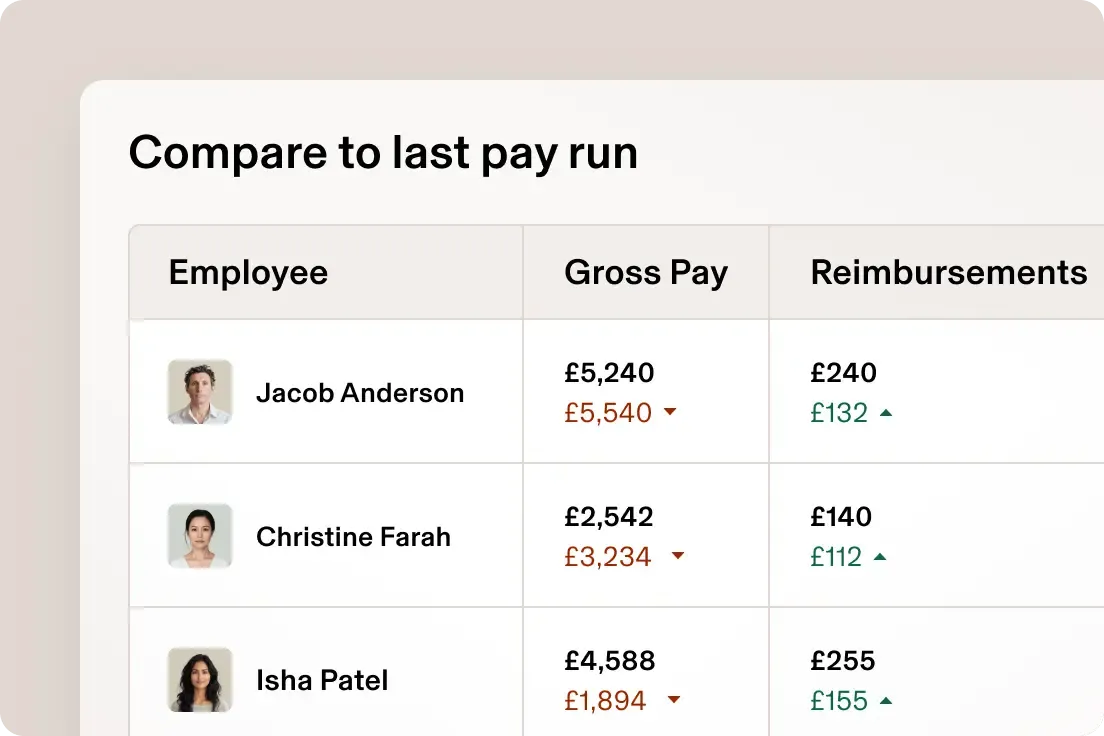
Payroll is one of Rippling's strongest products, and the reviews on third-party websites reflect it. It runs US payroll with automated federal, state, and local tax filing across all 50 states, syncs hours and deductions automatically, and handles multi-state teams natively.
Global Payroll extends the same system to international employees, letting you pay teams in different countries and currencies from a single platform.
The catch is that payroll can't be bought on its own. It sits on top of Rippling's core platform, so your total cost includes more than just payroll. For companies looking for a simple payroll solution, this can mean paying for features they may not fully use.
Rippling EOR

Rippling’s Employer of Record (EOR) service lets you hire full-time employees in countries where you don’t have a legal entity. Instead of setting up a local subsidiary, Rippling uses its own in-country entities to act as the legal employer, while the employee works for your company day to day.
Behind the scenes, it supports employee onboarding, runs local payroll, manages tax filings, and handles benefits and compliance in line with local labor laws.
You also get access to HR advisors who help with local employment rules, policy questions, and day-to-day people issues.
For companies hiring a single engineer in Canada or a designer in Portugal, it removes the need for months of setup time and the cost of building a foreign subsidiary.
Rippling HR Services
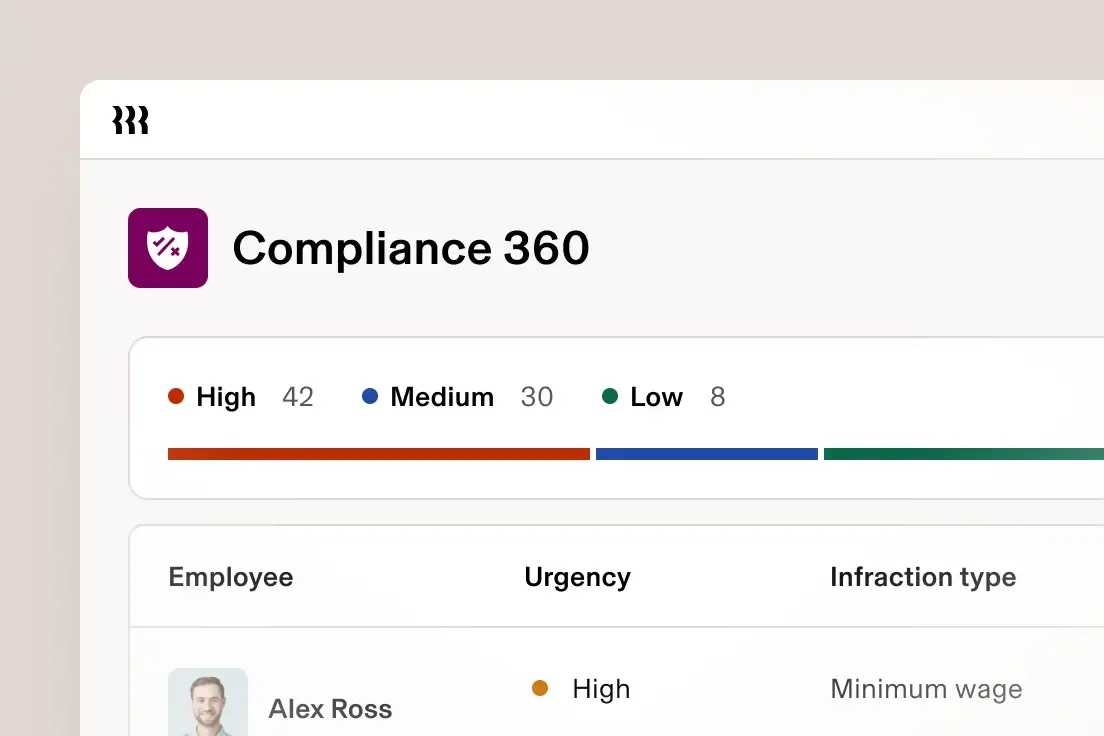
Rippling’s HR Services are built to take the heavy compliance load off growing teams.
As you hire and expand, Rippling helps you stay compliant across locations by setting up state and local tax accounts automatically. It also gives you access to PHR- and SHRM-certified HR experts who can answer questions on compliance, state laws, performance management, and other day-to-day people issues.
Rippling helps you create and maintain an employee handbook with built-in templates and policy guidance. It also handles many compliance filings automatically, reducing the amount of paperwork your team needs to manage.
To reduce risk further, Rippling’s Compliance 360 flags potential issues like wage, sick leave, and minimum wage violations, and shows how to fix them.
Rippling Hidden Costs
The quote you get in the sales process is not the full picture. Here's are the hidden costs Rippling users have shared across third-party platforms:
- Fixed headcount billing: Some users report being billed based on their original employee count for the duration of the contract, even if their headcount later decreases. For example, a company that starts with 100 employees and later drops to 80 may still be charged for 100 until renewal.
- Additional implementation fees: Beyond per-employee pricing, some users report one-time fees when adding certain products. One customer cited a $420 charge to set up time tracking for a single hourly contractor.
- Module stacking: While not a hidden fee, Rippling's pricing can climb quickly as you add products. Each module carries its own per-employee charge, so the total cost is often much higher than the price of the initial package. Karli B. experienced exactly that, "The initial convos were very broad at what the base package offered and I found I had to add on a ton which added over 40K to what I originally anticipated."
Rippling Pros & Cons
With a 4.8-star rating on G2 from over 12,000 reviews, Rippling has clearly earned its reputation. Still, there are real drawbacks prospects should weigh before committing.
Rippling Pros
- Broad module coverage: Rippling spans HR, payroll, benefits, IT, and finance in a single system, so as your needs expand, you can add new modules instead of buying, adopting and integrating a separate tool each time.
- Robust payroll engine: Rippling files federal, state, and local taxes automatically across all 50 states, handles multi-state compliance natively, and pays contractors in multiple countries.
- Broad integrations: Rippling connects natively with 600+ apps, from Slack and Google Workspace to Salesforce, QuickBooks, and NetSuite. Data syncs automatically across them, so a change made in Rippling carries through to your other tools without manual updates.
Rippling Cons
- Unclear pricing: The official pricing page publishes no figures at all, so every number comes through a sales call. This makes it genuinely hard to compare Rippling against alternatives without going through a sales call first.
- Costs compound fast: Each module carries its own per-employee fee, so your total climbs with both your headcount and the number of modules you switch on. The more of the platform you use, the further the price moves from the starting quote.
- Annual contract lock-in: Rippling requires a 12-month minimum contract that auto-renews, and several users report price increases at renewal. If your headcount drops mid-term, you’re still billed for your original commitment until the contract ends.
- Overwhelming interface: Because Rippling offers so much, users say switching between modules can feel disjointed, with dense menus that aren’t always intuitive. Several reviewers also mention a learning curve when setting up workflows and permissions, and would prefer more guided onboarding for first-time users.
- No full market audit for benefits: Rippling offers health insurance through a set group of carriers it already works with, rather than reviewing every available carrier at each renewal. For younger, healthier teams, this can mean some lower-cost plans or alternative funding options are not included in the options you see, which can result in a more expensive coverage.
Find out if you’re overpaying for health insurance.
Who Is Rippling Best For?
Rippling’s value depends on how much of the platform you actually use. It tends to work best for the below three types of companies.
The Mid-Sized Team Juggling Too Many Systems
Companies with 50 to 250 employees are often the best fit for Rippling. At this stage, most teams have moved beyond basic payroll tools and are managing separate systems for HR, IT, and finance. Rippling brings these functions together in one platform with a single employee record, so changes like hiring, promotions, or exits automatically update across every system.
The Distributed or Global Team
If you employ people and contractors across multiple states or countries, Rippling is a strong fit.
It handles US payroll taxes in all 50 states automatically. Globally, it supports HR for 85+ countries. It runs payroll in 10 countries, manages contractors in 185+ countries, and offers employer of record services in 80 countries. Payments can be made in more than 50 currencies.
The Automation-Heavy, IT-Conscious Company
A single workflow can set up a new hire’s software access, configure their company device, and add them to payroll, then remove everything automatically when they leave. This mix of device management, detailed permissions, and deep integrations is what differentiates Rippling from payroll-only tools.
Rippling Customer Reviews
Here’s what real users are saying about their experience with Rippling.
Positives
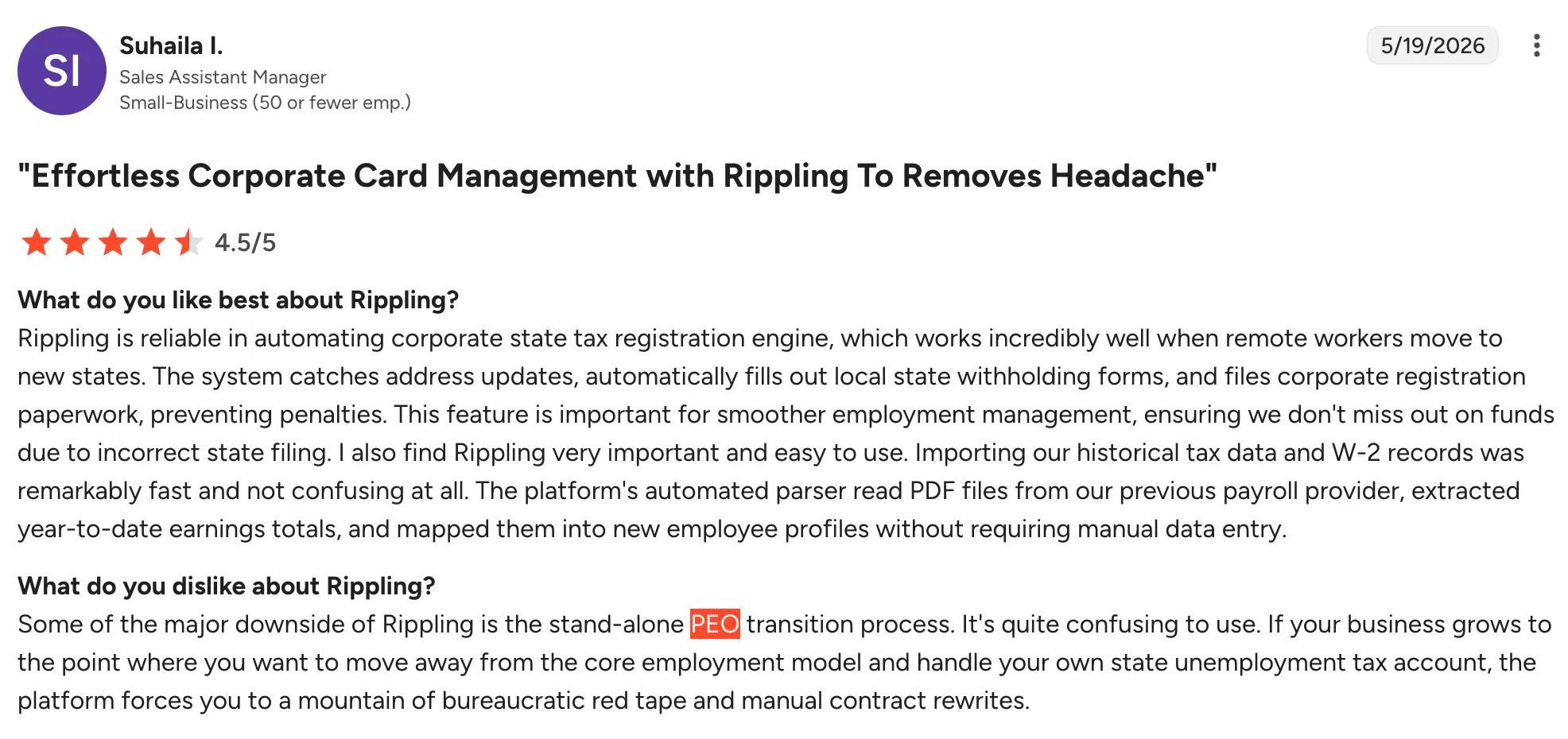
Suhaila I. says Rippling's automated state tax registration is its best feature: it catches address changes and files the paperwork itself when remote workers move states. Her main complaint is the standalone PEO transition, which she found confusing when her company wanted to manage its own unemployment tax accounts.
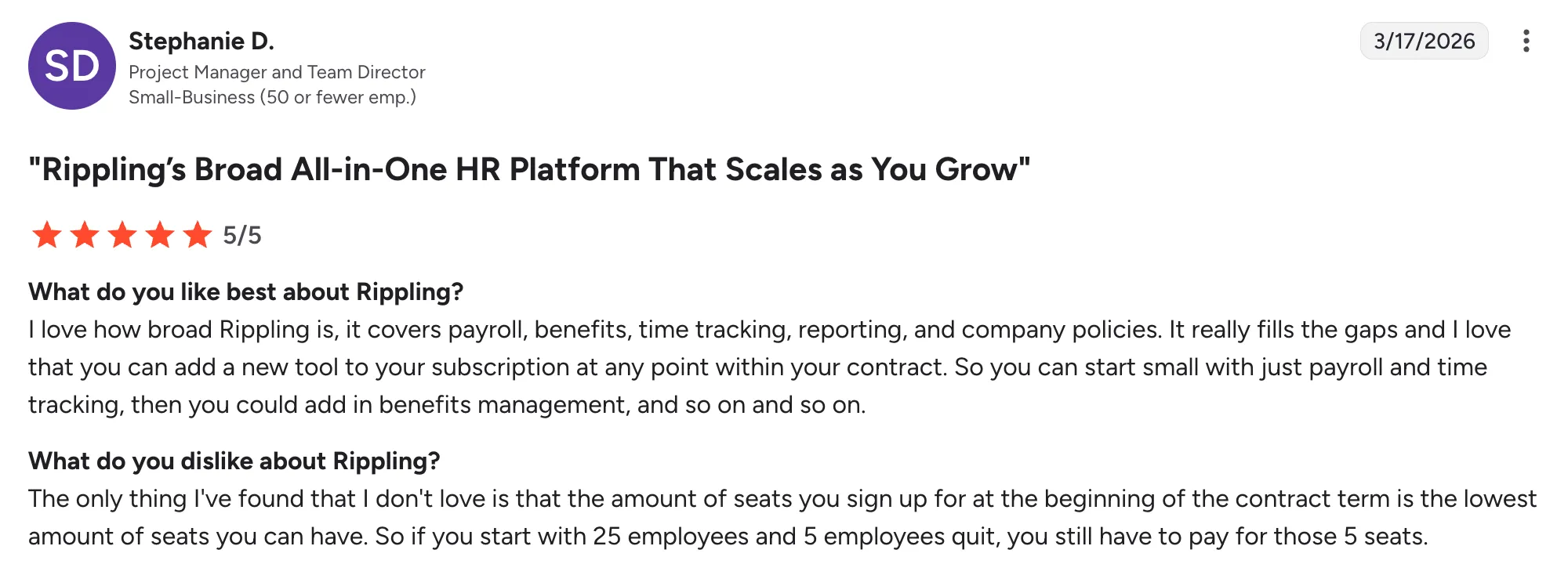
Stephanie D. values how much Rippling covers in a single platform, from payroll and benefits to time tracking and reporting. Her one issue: you pay for the seat count you start with, so if employees leave, you still pay for those seats until the contract ends.
Complaints
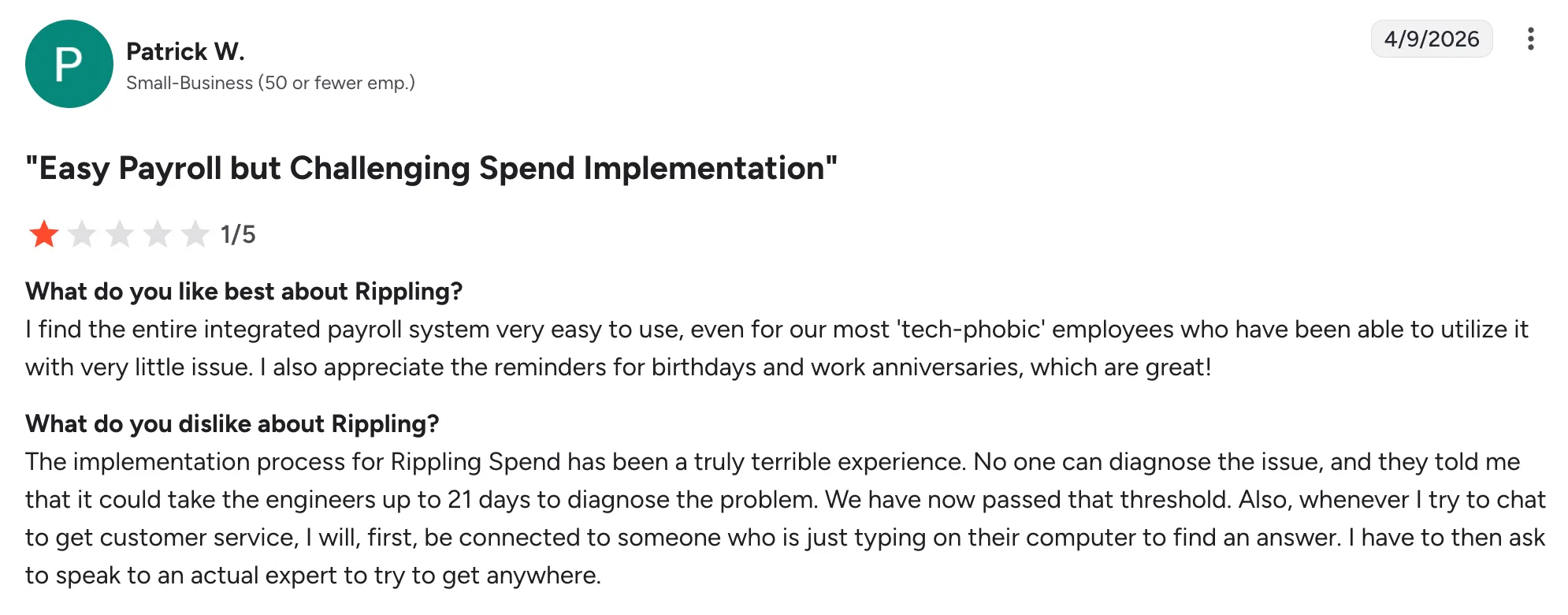
Patrick W. found the Rippling Spend implementation frustrating, noting that support estimated up to 21 days just to diagnose the issue.
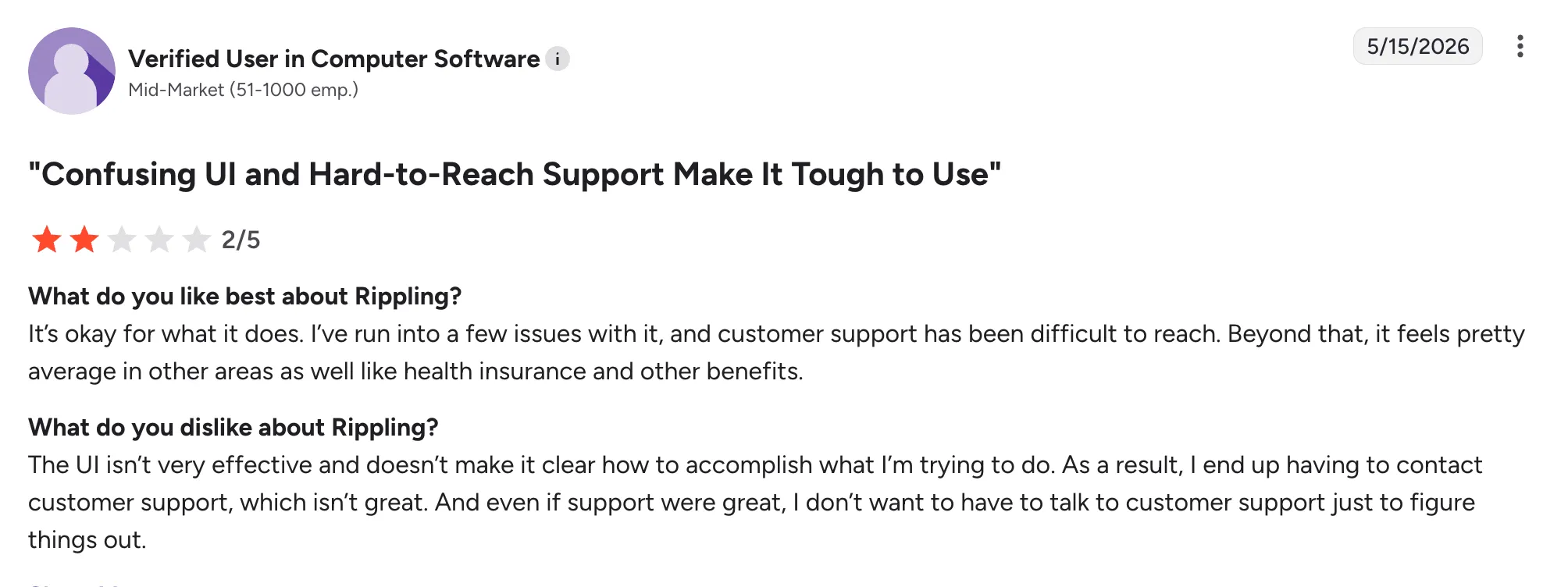
A verified user in computer software said Rippling’s interface wasn’t intuitive and made it hard to figure out how to complete tasks. They also mentioned needing customer support more often than expected, and that support was difficult to reach when needed.
Alternative to Rippling: Ignition Benefits
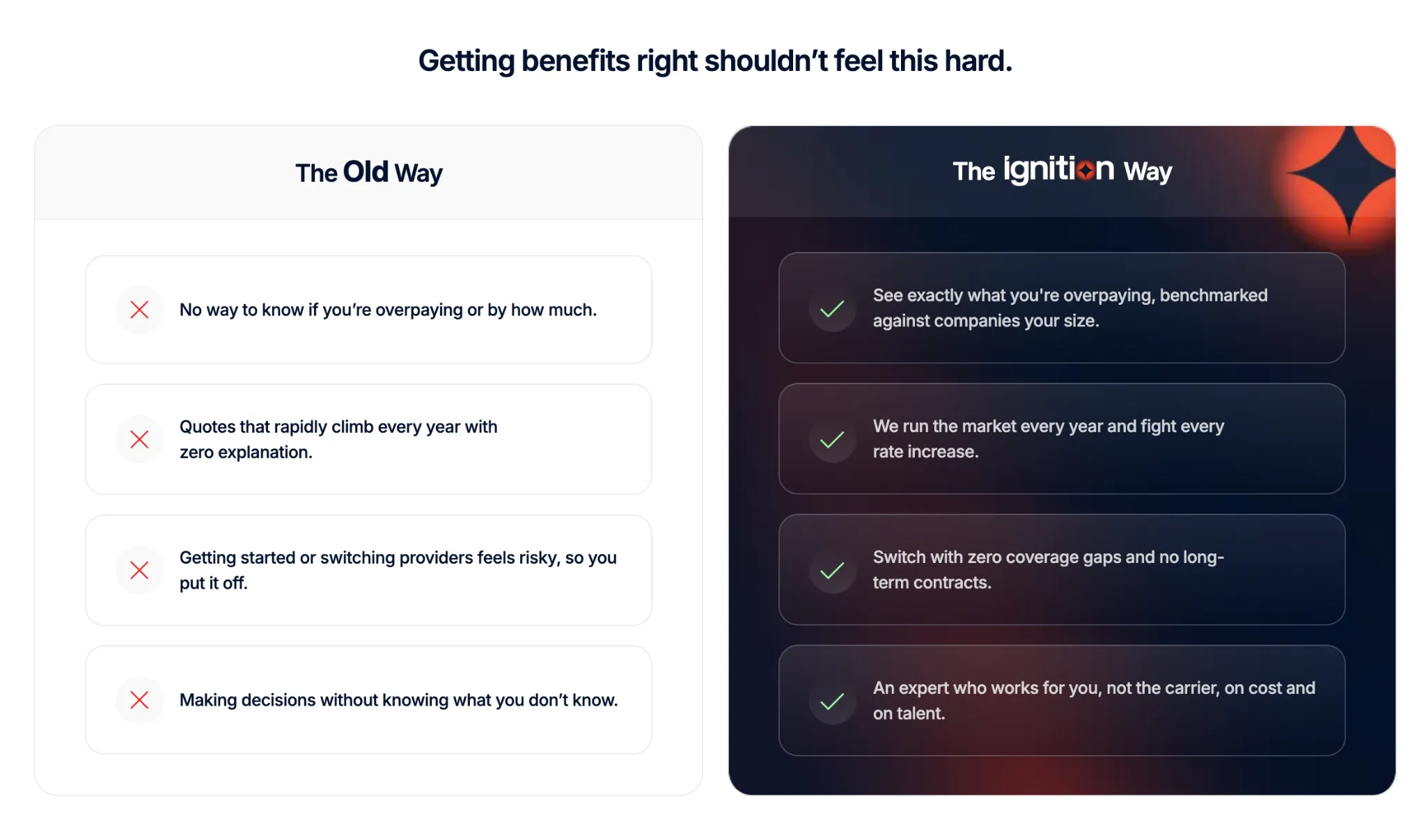
Rippling gives you access to large-group health plans through its PEO. But those plans come from Rippling's own carrier relationships, so you never really see whether a better deal existed somewhere else.
Ignition Benefits works differently. It’s a benefits brokerage that reviews the full market using your actual workforce data, rather than relying on a fixed set of carriers.
It then lists all available plan options side by side so you can review them yourself or go through them with an Ignition advisor. For younger, healthier teams, this can reveal lower-cost plans that may not have been shared with them before.
Alongside that, Ignition takes on the carrier work directly, managing calls, forms, and follow-ups so founders don’t have to. For founders, the focus stays on choosing a plan, while the benefits negotiation and admin sit with Ignition.
Does Rippling Pricing Fit Your Budget?
Whether Rippling is worth it comes down to how much of the platform you'll actually use. If you're consolidating HR, IT, payroll, and finance into one system, the per-module fees are easier to justify, and the automation can save real time.
But if the thing driving you to compare pricing is your benefits, Rippling won't solve that.
It gives you access to large-group health plans, but it doesn’t show whether your current plan is the best-value option for your team or how your workforce was priced. Ignition takes a different approach, reviewing the full market using your actual workforce data and laying out the numbers clearly so you can see where you may be overpaying.
FAQs
Does Rippling have a free plan?
No. Rippling offers no free plan or self-service trial, only guided demos and custom quotes through its sales team.
How much does Rippling PEO cost?
Rippling PEO pricing is custom-quoted with no published rates. Expect an administrative fee plus pass-through health insurance premiums, confirmed only through a sales quote.
Is Rippling pricing transparent?
No. Rippling's official pricing page publishes no prices. Pricing is based on your employee count, the required core platform, and the modules you add.
What is Rippling's minimum contract length?
Annual contracts are standard. They auto-renew, and users say you can’t usually downgrade mid-term, so it’s worth checking the terms before you sign.
Can I use Rippling just for payroll?
No. Per Rippling's pricing page, payroll must be purchased alongside the required core Rippling Platform, so standalone payroll isn't available.












_%20Which%20One%20Wins%20for%20Your%20Team_.webp)

![How to Reduce Small Business Health Insurance Costs [2026]](https://cdn.prod.website-files.com/69f22330e53a32bb7629af15/6aa04b2f5dbdf3dc6b28b351_How%20to%20Reduce%20Small%20Business%20Health%20Insurance%20Costs%20%5B2026%5D%20(1).webp)
.webp)




.webp)



.webp)

.webp)








.webp)





.webp)








.webp)




.png)

